Remove marks
Clean visible marks, labels, overlays, stamps and distracting text from images you are allowed to edit.
Clean marked images, restore detail, upscale quality, and download polished results in minutes.
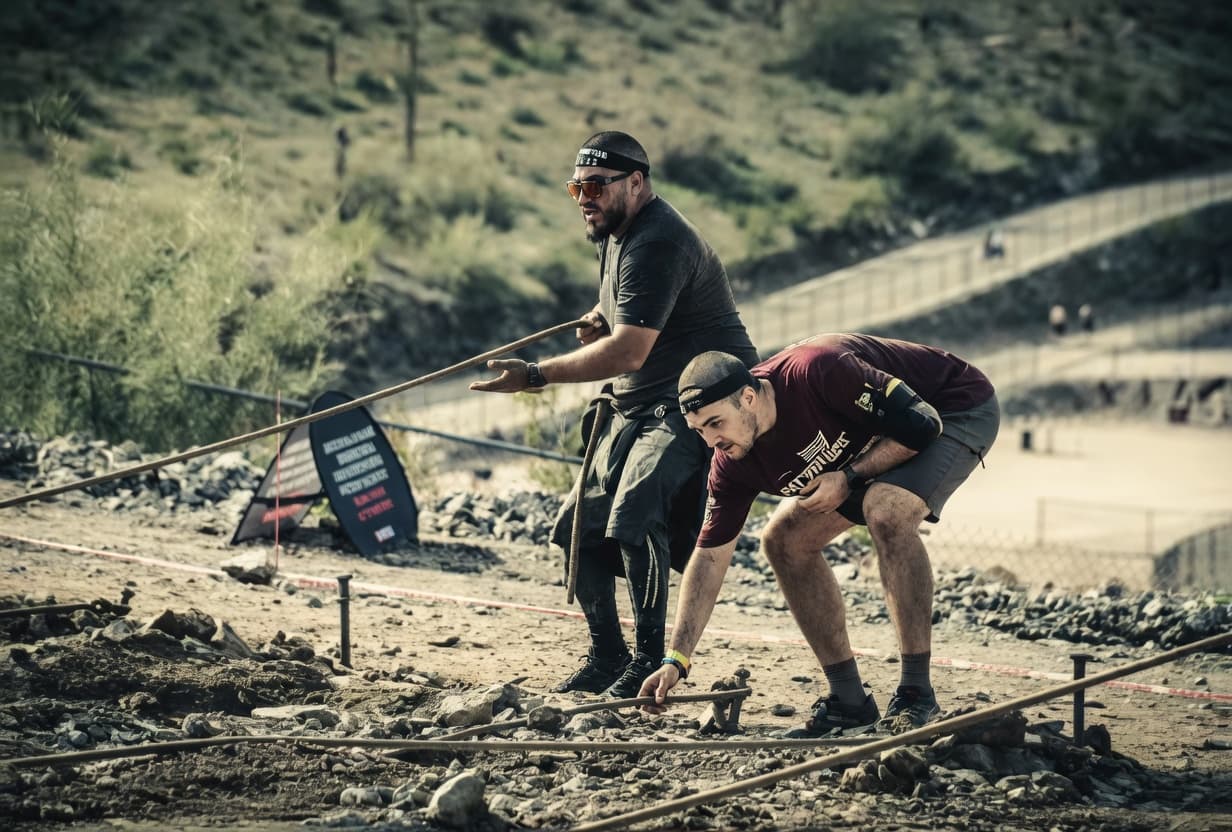
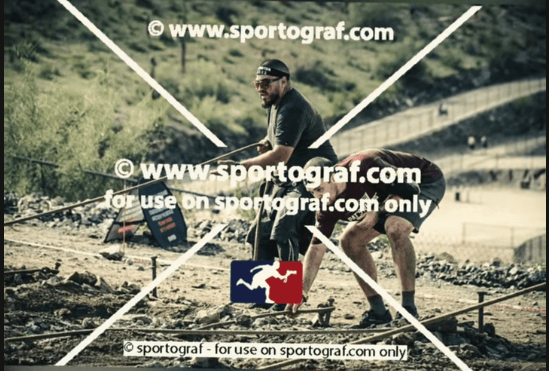
Built for clean results
Remove marks, enhance image quality, upscale details, download the result, and delete your content when you are done.
Upload
Remove
Enhance
Delete
Clean visible marks, labels, overlays, stamps and distracting text from images you are allowed to edit.
Restore detail, sharpness, tone and clarity so the result feels natural instead of overprocessed.
Scale up low-resolution images and download polished outputs for sharing, publishing or archiving.
Remove processed jobs from your history whenever you want.
Questions
Remove marks, enhance image quality, upscale details, download the result, and delete your content when you are done.
Use CleanMark only when you own the image or have the required permission to edit it.
Yes. The workflow is built for AI enhancement, denoise, sharpness, realistic color, upscaling, before/after review and final download.
Yes. Your history includes a delete action so you can remove processed jobs when you are done.